WV DMV Mobile ID Exceeds 30,000 Users: Here's How to Get Yours
Charleston, W.V. -- Over 30,000 West Virginians have signed up for Mobile ID since its inception last year, and the West Virginia Division of Motor Vehicles (DMV) is reaching out to let the public know it’s easy to simplify your life by signing up right now, wherever you are.
“West Virginia DMV is always striving to make life easier for our guests, and to provide services in a more efficient manner,” said Everett Frazier, Commissioner of DMV. “This is just one more way to do that.”
Mobile ID is a state-approved digital drivers license that can be used as a valid form of identification (ID) both online and in person. It is verified as authentic through DMV records and makes it possible to carry your drivers license as an app on your phone, allowing for a quick and contact free barcode scan.
The Mobile ID has security features that give it an edge over the physical drivers license. Users can, for example, verify their age without providing sensitive information such as their birth date, height and weight as printed on a physical drivers license. Security designed to protect your cell phone, such as passwords, and facial recognition, also help protect your drivers license.
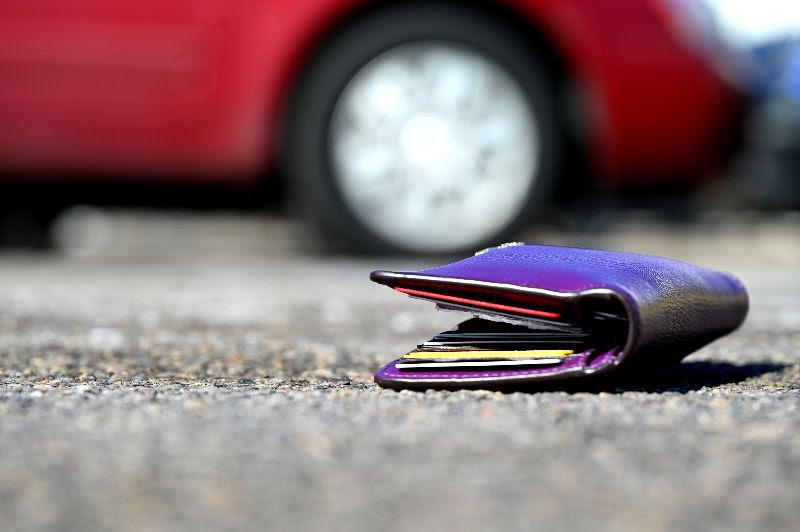
Mobile ID is accepted at a growing number of locations. West Virginians who have the Mobile ID should continue to carry their physical drivers license, as remaining businesses learn about the Mobile ID. In situations where a guest may lose their wallet, Mobile ID can serve as a drivers license to provide identification as they reacquire documents lost.
“Mobile ID is both innovative and on the go. If you lose your wallet, if you carry your forms of payment on your phone and just don’t want to be weighed down, it’s right there,” said Frazier. “With spring right around the corner, Mobile ID will help you get out and enjoy the sunshine with one less thing to worry about.”
To add Mobile ID to your phone, simply visit dmv.wv.gov, click on the Mobile ID banner, download the App for Apple or Android devices, and click Add to Wallet.